×
Rajesh Nischal

Rajesh Nischal

5.0 (Trusted Business)

Dyno Computers (estd. 1996)

Data Recovery Specialist

Data Recovery Specialist
Rajesh Nischal
Dyno Computers (estd. 1996)
Data Recovery Specialist

About Us

Dyno Computers Established As IT Company in Year 1996. In Start We Provide Sales & Services for Computers, Laptops & Printers.

With Our Routine Work We Handle Data Recovery Cases on Casual Bases.

By The Year 2011 We Established Our Own Data Recovery Lab With Professional Equipments & World Class Technologies.
.
Right Now Our Company Has Clients From All Over India. Most of Our Clients Are Photographers, IT Professionals & Many Other Companies.

Services

At Dyno Data Recovery, we provide expert solutions for lost and inaccessible data, ensuring secure, efficient, and reliable recovery for individuals and businesses. With 25 years of industry experience, we specialize in restoring lost files from various digital storage devices, using advanced techniques and cutting-edge technology.

💾 Our Data Recovery Services:

🖥️ Hard Disk Recovery – Recover crucial files from crashed or damaged hard drives

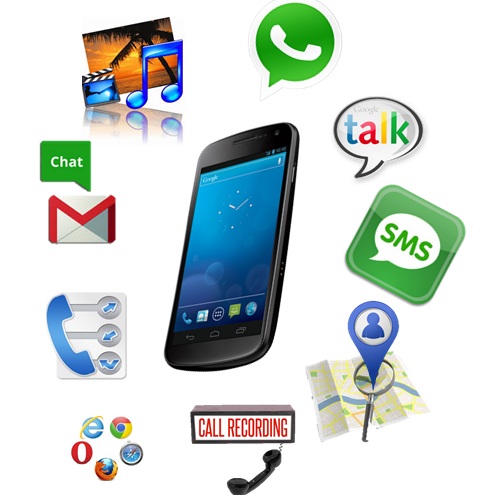
📱 Mobile, iPhone & iPad Recovery – Retrieve lost contacts, messages, and media from smartphones

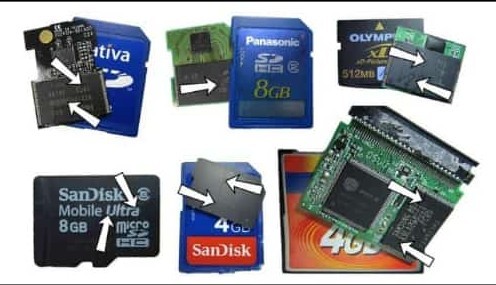
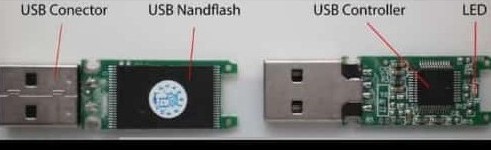
💿 Pen Drive & Memory Card Recovery – Restore valuable data from USB devices & memory cards

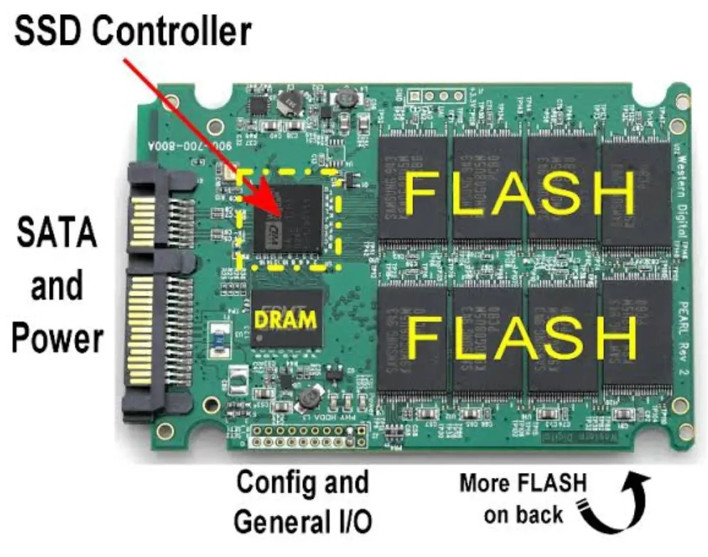
📀 SSD & External Drive Recovery – Secure recovery of data from modern storage solutions

Contact Us

Contact Information

Phone 9810144175
Alternative Phone 9711042153
WhatsApp 9810144175
Alternative WhatsApp 919711042153
Address

M4/B14, Gupta Plaza, M-Block
Vikas Puri, New Delhi-110018

Opposite Kerla School

Send Us a Message

Fill out the form below and our team will get back to you promptly.

QR Code Lounge

Scan to visit our website instantly.

Scan to message us directly on WhatsApp.

Kwikk Media and Software Solutions only provides services, not liable for website content/transactions.

Report Abuse
×
Report Abuse
Call WhatsApp Contact
Avatar
Rajesh Nischal Online
Hi! How can I help you today? Feel free to ask any questions.
Dyno Computers (estd. 1996)
Install app for quick & offline access
Install Dyno Computers (estd. 1996) Add to Home Screen on iPhone / iPad
1
Tap the Share button in Safari toolbar
2
Scroll down and select Add to Home Screen
3
Tap Add in the top-right corner